
The 24-Hour Blackout: How to Stop Doomscrolling

You pick up your phone to check the weather. Forty minutes later you know a great deal about a stranger’s kitchen renovation, three arguments you weren’t part of, and nothing about the weather.
Most people who want to stop doomscrolling have already tried the usual fixes. Willpower. Screen-time limits. Deleting the app, then reinstalling it on Thursday. The problem isn’t effort. It’s that every one of those fixes leaves the decision open all day, and you have to win it every single time.
So here’s a different approach: remove the decision. For 24 hours, make your phone physically hard to reach and see what happens. Treat it as an experiment, not a lifestyle. The point isn’t to suffer. It’s to find out how much of your phone use was actually a choice.
What does doomscrolling mean?
Doomscrolling is the habit of scrolling through news or social media feeds for longer than you meant to, usually through content that’s negative, stressful or just endless. The word took off in 2020, but the habit is older than the term.
A few things set it apart from ordinary phone use:
-
It’s open-ended. There’s no finish line. The feed refills as fast as you scroll.
-
It’s often unplanned. It starts with a quick check and turns into half an hour.
-
It rarely leaves you better informed. You come away with a mood, not a takeaway.
Doomscrolling isn’t a diagnosis. It’s a pattern of behavior, and patterns can be changed by changing the setup around them.
Why willpower and screen-time apps fail the same way
Willpower asks you to say no to your phone every time you notice it. That’s dozens of small decisions a day, usually made when you’re tired, bored or waiting in line. You don’t need to lose many of them to lose the afternoon.
Screen-time apps have the same flaw in a nicer interface. The limit pops up, and right underneath it is a button that says “ignore for 15 minutes.” You know the button. The button knows you.
Both approaches keep the phone within arm’s reach and put a small speed bump in front of it. Speed bumps work when you’re paying attention. Doomscrolling happens precisely when you aren’t.
Removing the decision is a different mechanism. If the phone is in another room, sealed in a bag or locked in a drawer, there’s nothing to resist. You don’t have to say no 60 times. You said it once, in the morning, and you’re done.
How to run a 24-hour phone blackout
A blackout works best with a little preparation. Here’s the short version:
-
Pick a day with low stakes. A weekend or a day off. Not the day your flight is boarding or your kid has a game across town.
-
Tell the people who need to know. Let family, close friends and anyone who depends on you know you’ll be offline, and how to reach you in an emergency.
-
Replace the phone’s jobs in advance. An alarm clock, a paper list, a printed map, a book. Decide now so you aren’t reaching for the phone “just to check one thing.”
-
Put the phone somewhere that takes effort to reach. Another room, a high shelf, a drawer you don’t open often, or a sealed bag.
-
Write down the rules. What counts as breaking the blackout? Is a laptop allowed for work? Can you take a photo? Decide before you start.
-
Keep a simple tally. Every time you reach for the phone that isn’t there, make a mark on a piece of paper. This is the most revealing part.
-
Set an end time. Twenty-four hours, then pick it back up on purpose, not by accident.
If you care for someone or you’re on call, adapt the rules. A shorter window, a single check-in time or a partner who keeps a phone on is still a blackout for you.
What actually happens during 24 hours offline
Nobody transforms in a day. But a day is long enough to notice some things.
The first few hours
You reach for your pocket constantly. While waiting for the kettle. At a red light. Between sentences of a conversation. The tally sheet fills up faster than you expect, which is mildly embarrassing and very informative.
Midday
Boredom shows up. It’s not dramatic. It’s just a gap that the phone used to fill. Most people find they fill it with something else fairly quickly: a walk, a book, an actual conversation, a nap they didn’t know they wanted.
Evening
The pull is usually strongest at the times your habit is strongest. For many people that’s the couch after dinner or bed at night. This is where the physical distance does its work. You can’t scroll a phone that’s in a drawer in the hallway.
The next morning
You pick the phone back up. There are messages, and almost none of them needed you yesterday. That realization is the whole experiment in one moment.
What the experiment reveals
Look at your tally sheet. That number is roughly how many times a day your hand moves toward your phone without you deciding to.
Some of those reaches were real needs. Most weren’t. They were reflexes triggered by a pause, a quiet moment or a feeling you didn’t want to sit with.
A typical sheet might show a burst of marks in the morning, a quiet stretch while you’re out, and another cluster on the couch at night. Those clusters are your doomscrolling hours.
That’s useful information, not a judgment. Once you can see the pattern, you can change the setup around it instead of fighting it moment to moment.
If the blackout felt much harder than you expected, and the urge to check was more than a habit, we cover that separately in ourguide to problematic phone use.
What to do instead of doomscrolling
The gap needs something in it. Here are a few things that fit the moments doomscrolling usually takes:
-
In line or waiting: look around, people-watch, or just wait. Waiting is allowed.
-
On the couch after dinner: a book, a show you chose on purpose, a board game, a call with someone you actually like.
-
In bed at night: a paper book or a notebook. Keep the phone charging outside the bedroom.
-
First thing in the morning: coffee, a window, a short walk before the first screen.
-
On a break at work: step outside, stretch, talk to a coworker.
-
When you want news: pick one trusted source and one time of day. Read it, then close it.
None of these are profound. That’s the point. You don’t need a better hobby. You need a phone that isn’t the default.
How to put your phone away for good (or at least most of the time)
A 24-hour blackout is an experiment. What you do next is the habit.
-
Pick one daily window. Dinner, the first hour of the morning or the last hour before bed. Same time every day.
-
Give the phone a home. A specific drawer, shelf or bag where it lives during that window.
-
Keep it out of the bedroom. It’s the single highest-payoff rule for most people. We cover why in ourguide to phones and sleep.
-
Repeat the blackout monthly. One day a month is enough to keep the reflex in check.
Drawer or Faraday sleeve?
Honestly, a drawer works. If you can put your phone in a drawer and leave it there, you don’t need anything else.
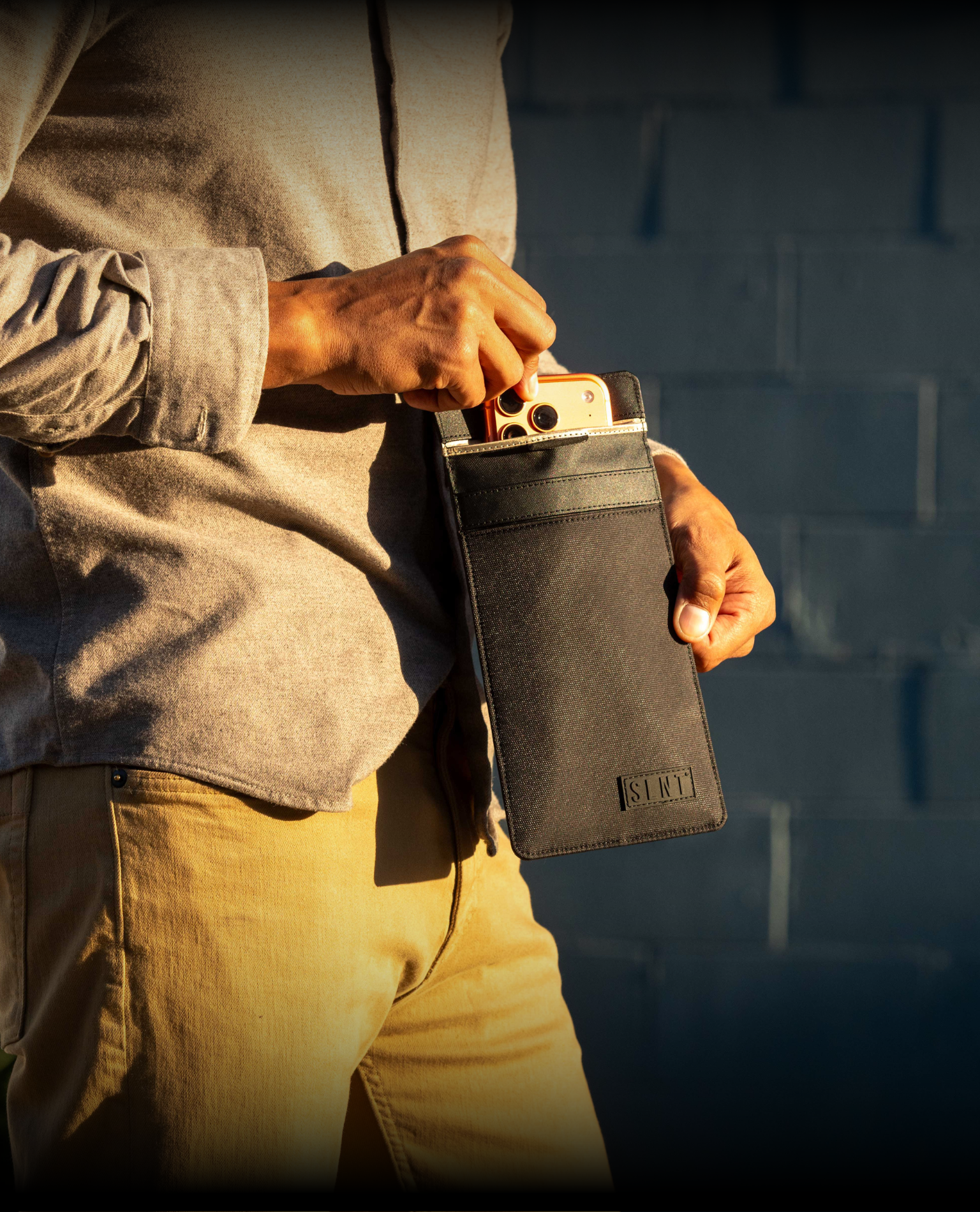
A Faraday sleeve is for when “out of sight” isn’t enough. Sealed inside, a phone can’t send or receive calls, texts, notifications or location updates. It doesn’t buzz through the drawer, and it doesn’t quietly collect a pile of alerts waiting to pull you back in. Think of it as the difference between hiding the cookies and not having them in the house.
That makes it useful for a phone-free dinner, a weekend away, a focused work block or a whole blackout day. One thing to know: a sealed phone also can’t receive emergency calls, so set up another way for people to reach you. And a Faraday sleeve doesn’t turn off the microphone. The mic is built into the phone and still works inside the sleeve.
SLNT’sFaraday phone sleeves use patented Silent Pocket® construction, so the phone stays offline for as long as the sleeve stays closed.
Why it matters
Your attention is one of the few things you can’t get back. Every app on your phone is designed by smart people to hold onto as much of it as possible.
You don’t beat that with more discipline. You beat it by changing the rules of the game, deciding once instead of 60 times a day.
A 24-hour blackout won’t change your life. It will show you how much of your phone use you actually chose. What you do with that is up to you.